Live traffic and uptime
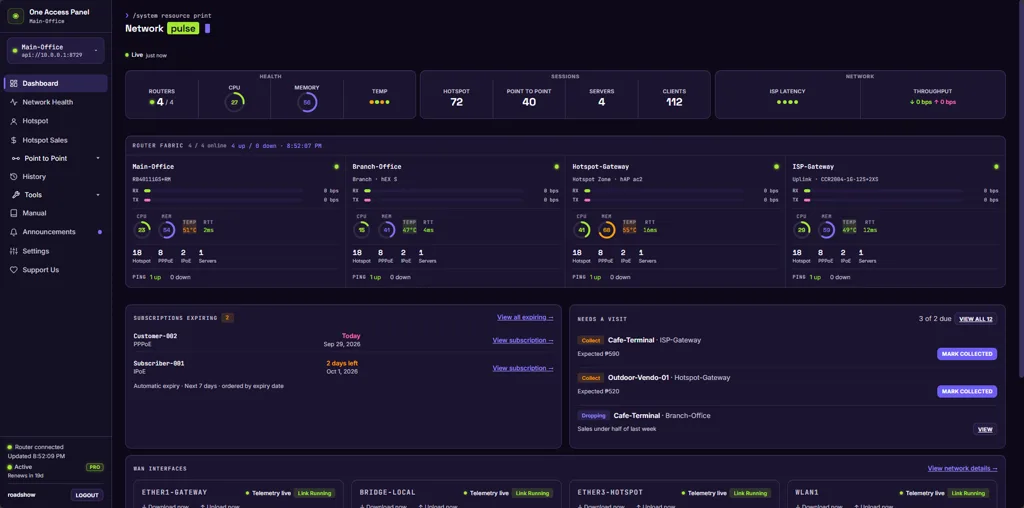
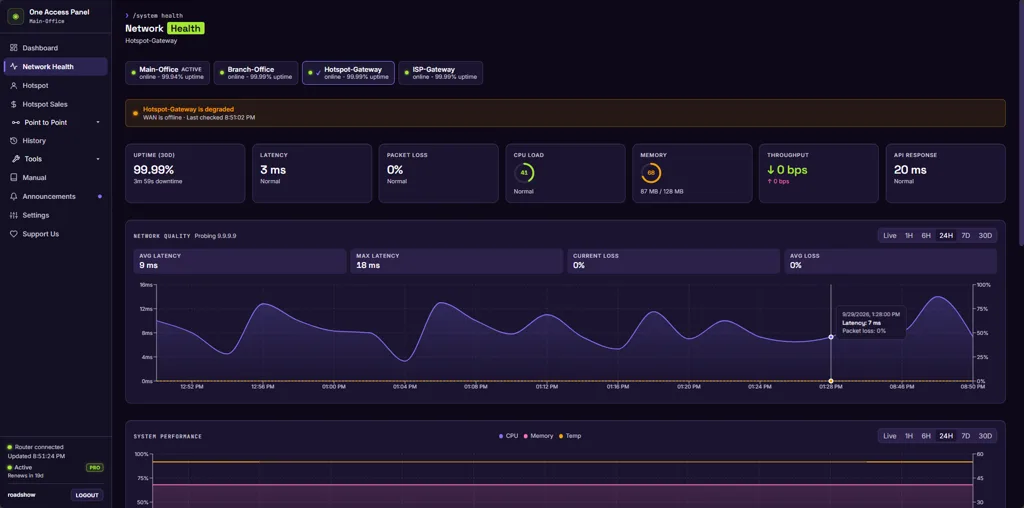
Per-interface throughput charts, CPU and memory trends, ping health checks and router resource meters refresh on their own - no manual refreshes, no stale numbers.
One dashboard for your MikroTik network
One Access Panel watches your MikroTik network around the clock - live traffic, active sessions, PPPoE health and router alerts - all in one dark, data-dense console. Built for Hotspot operators, Piso WiFi operators, Small ISPs, WISPs, Apartment WiFi and Community networks.
Real screens, not mockups
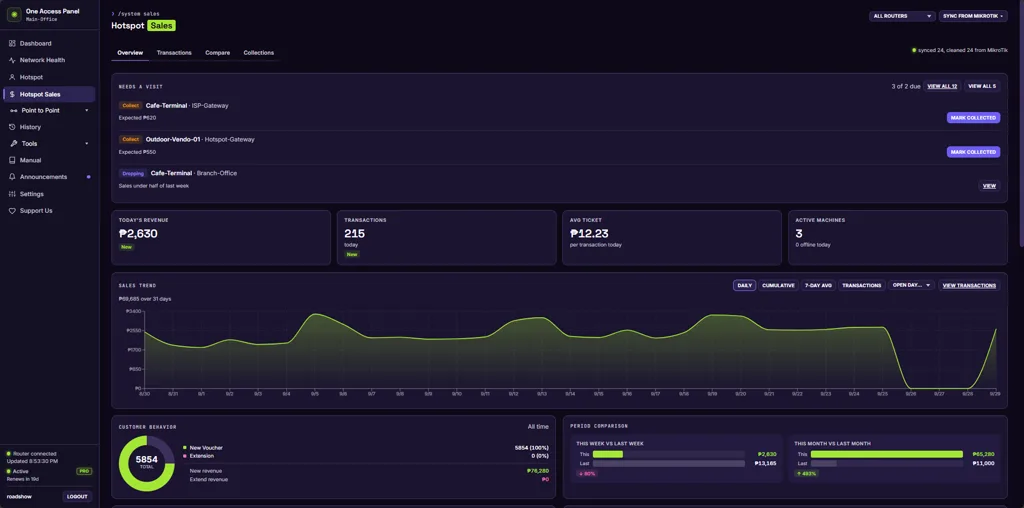
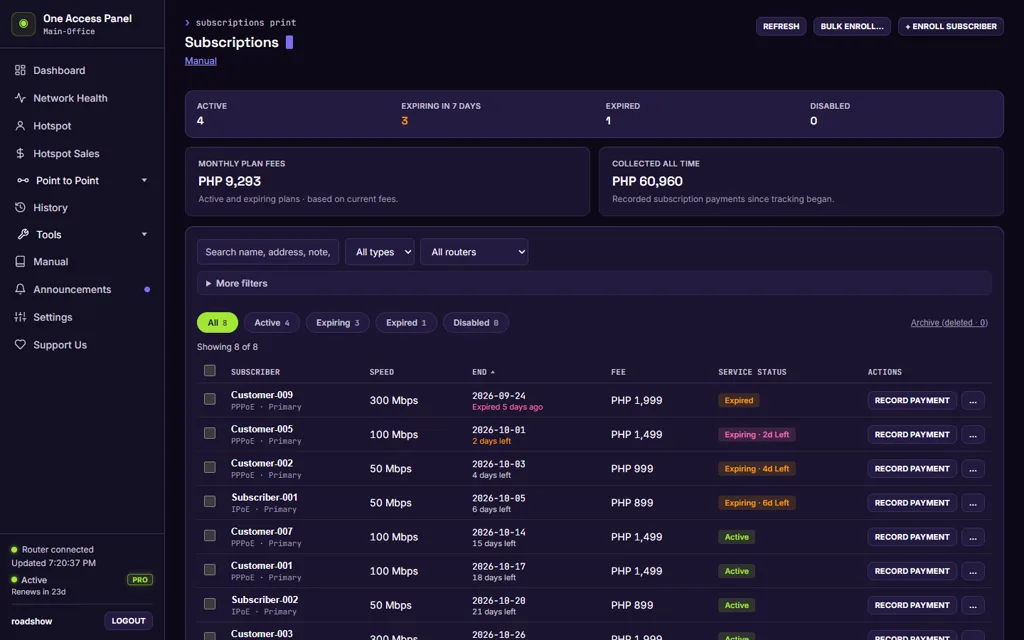
These screens come from the live dashboard, connected to a MikroTik router and running demo data. Swipe through them, or open the demo to click through it yourself.
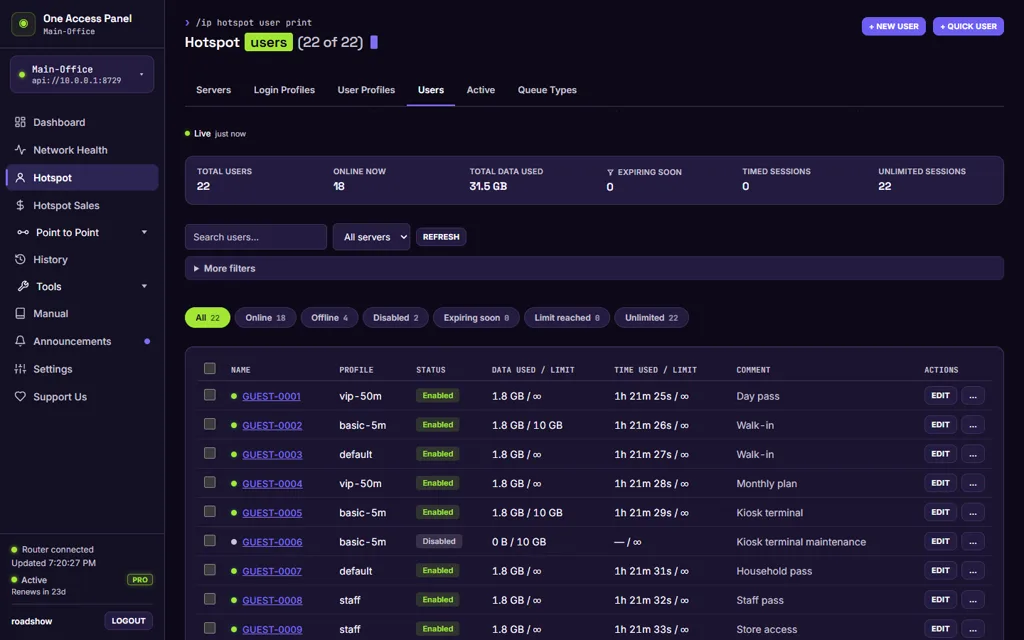
Screen 1 of 4: Hotspot users
No agent to install and no router to replace. The dashboard talks to RouterOS over the API-SSL service.
Enable the API-SSL service on RouterOS with the 1Config guide, then create an API user for the dashboard.
Enter the router URL and the API credentials in Settings. The dashboard tests the connection before it saves.
Watch live traffic, run hotspot and PPPoE operations, and act on alerts from the same console.
Need help connecting your router? Setup assistance is included. Chat with us or read the system requirements.
Manage your network from a single dashboard instead of logging into every router individually.
One Access Panel manages Router 01, Router 02 and Router 03 from a single controller.

Per-interface throughput charts, CPU and memory trends, ping health checks and router resource meters refresh on their own - no manual refreshes, no stale numbers.
Create users, kick sessions, manage profiles, pools and secrets. Bulk actions and one-click toggles keep day-to-day admin work fast.
Track vendo machine earnings by day and month. Sync transaction data straight from MikroTik, then export, filter and spot trends.
Every config change is logged with who, what and when. Downtime alerts surface router problems before your customers notice them.
One Access Panel reaches into your router, so here is how that connection works and how you keep control of it.
The dashboard reaches your router over API-SSL, so the session travels over TLS. Winbox stays closed and no inbound dashboard port is exposed.
Router passwords are stored with AES-256-GCM. Account passwords are hashed and never stored in plain text.
You give the dashboard a dedicated router user with API read and write access. It reads and writes configuration. It does not touch firmware or core system settings.
Your router authenticates hotspot and PPPoE users on its own. If the dashboard goes offline, sessions continue and queued sales scripts sync when it returns.
Passwords, retention and data handling are covered in the Terms and Conditions.
Tell us what you run and we will set up a trial account for your router. No payment and no commitment.
For a single router getting started.
Run every router from one controller.
Everything in Starter, plus:
+₱100 per additional router beyond 3. Up to 9 routers total.
Try the Pro demoOr request a free trialPrices in Philippine pesos, billed monthly. Cancel anytime.
Still unsure? Chat with us or email [email protected].
Try the demo first. No router required. When you are ready, setup assistance is included.
Pick a plan, pay with GCash or bank transfer, then we activate your account and help you connect your router.